
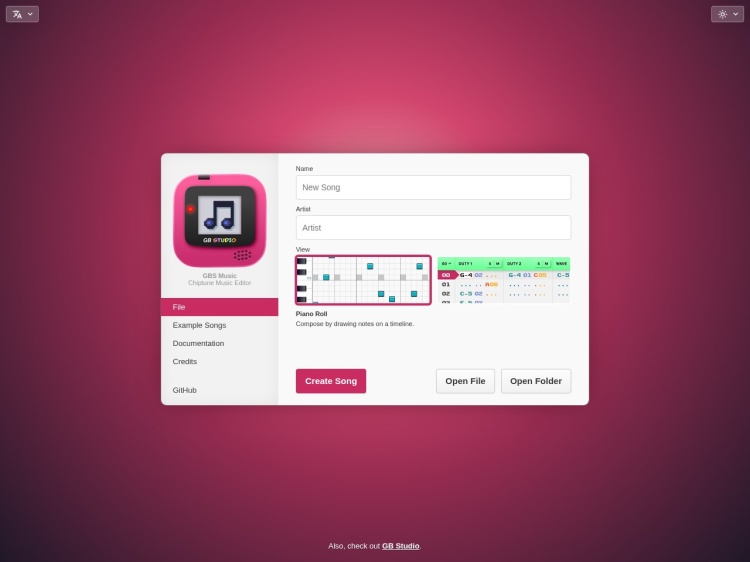
GB Studio
A free, open-source game maker for creating real Game Boy games with optional coding. More info →

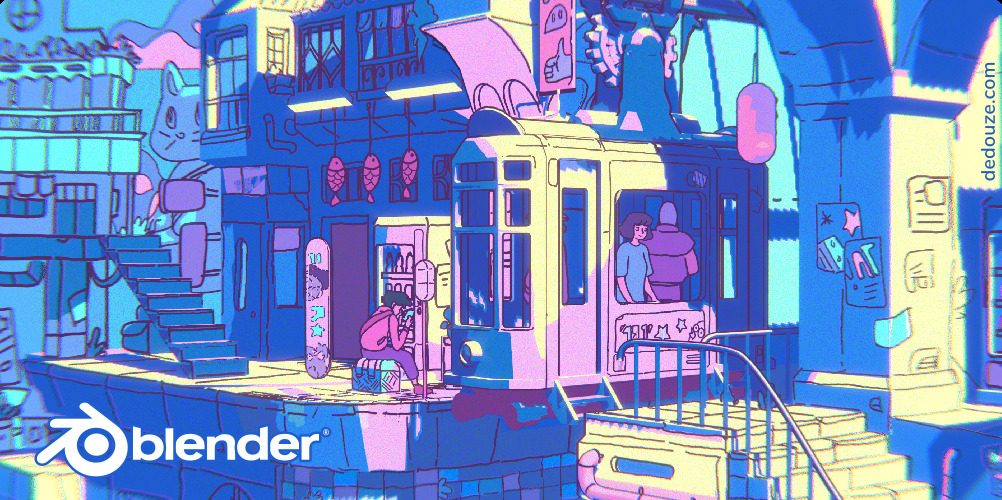
Blender 2.82 splash screen
Blender is a powerful, free, and open-source 3D creation suite used by artists, animators, and studios around the world. It covers the full pipeline—modeling, animation, rendering, simulation, video editing, and more—and is backed by an active open-source community and the non-profit Blender Foundation.
Recently, Blender hit the spotlight with Flow, an animated feature made entirely in Blender by a small team. The film won an Oscar and shows what’s possible with the software—even on a tight budget. You can watch the trailer, check out the behind-the-scenes, or read the interview with director Gints Zilbalodis.
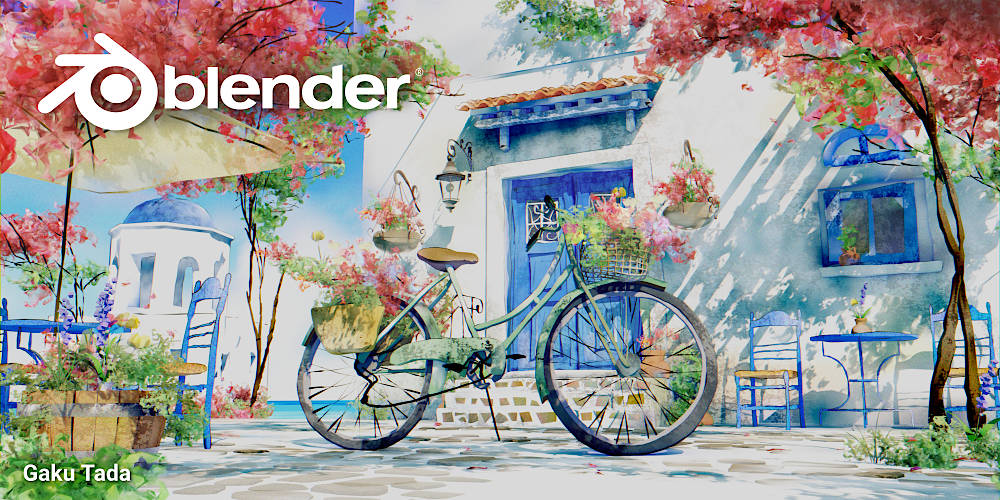
Blender 4.0 splash screen
Blender is used across games, film, and TV—by indie creators and big names alike. Studios like Ubisoft, Epic, EA, and Netflix have all used it in their pipelines.
Notable features include:
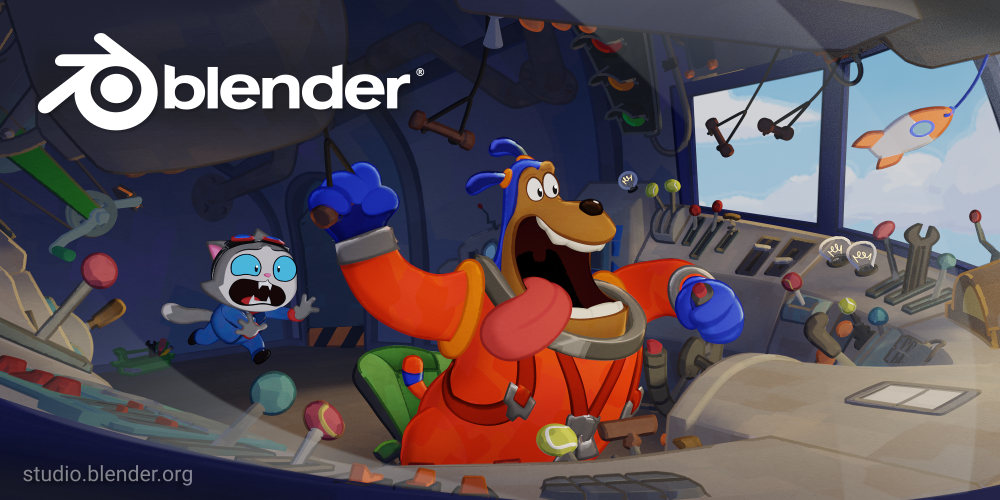
Blender 3.6 splash screen
Blender has a huge library of tutorials to help you get started:
You can also support development and access premium content via Blender Studio.
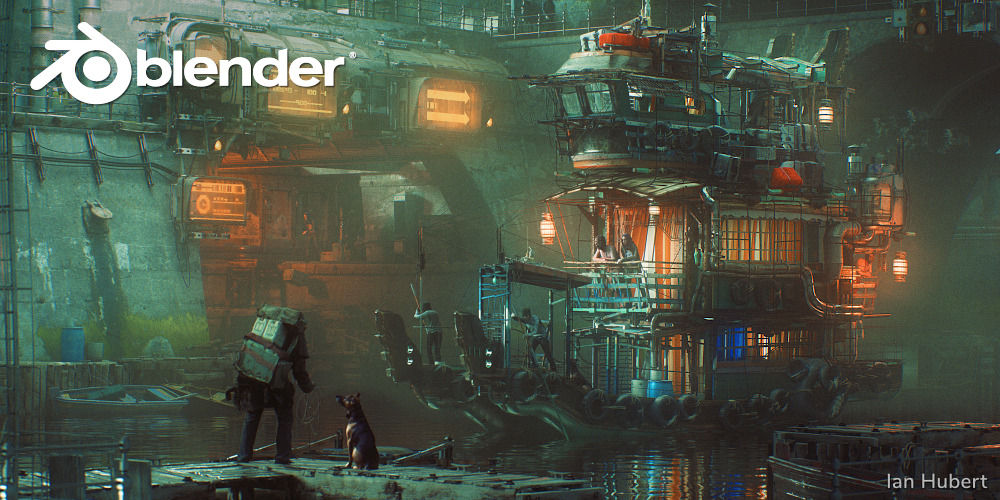
Blender 2.83 splash screen
Note: Splash screen artwork is included with each Blender release. You can download the files and explore how they were made.
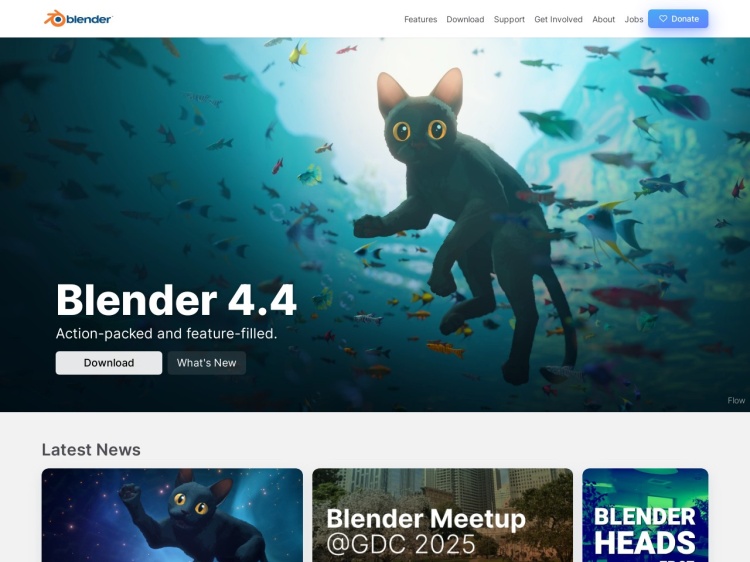
A free and open source 3D art application.
A free, open-source game maker for creating real Game Boy games with optional coding. More info →
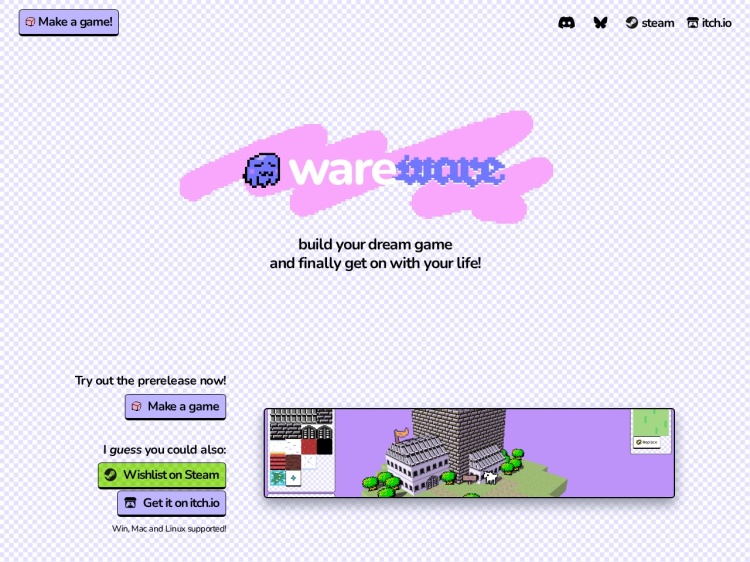
Wareware is a playful browser-based tool for making cute 3D worlds with blocks, sprites, and simple interactions. More info →
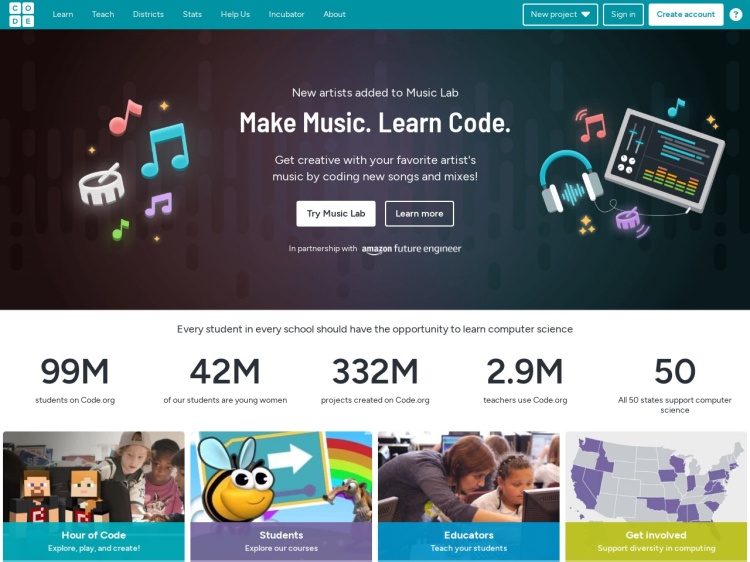
A fun and educational platform for kids to learn coding through games and interactive lessons. More info →
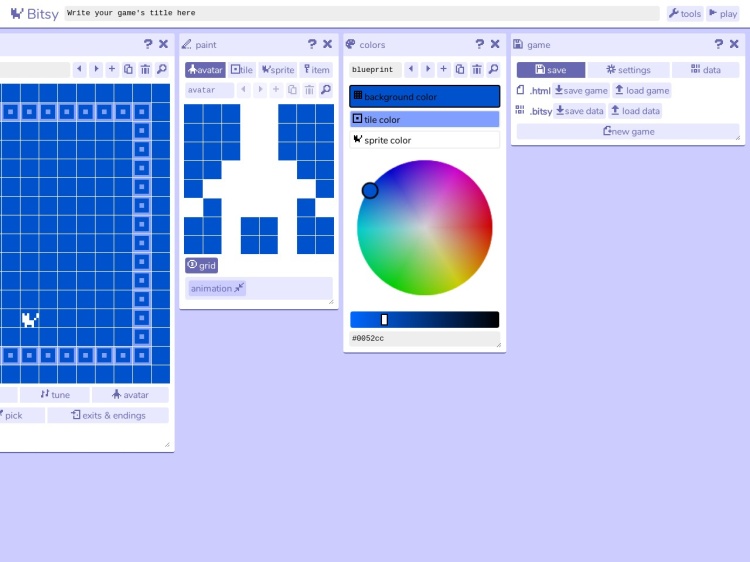
A miniature game maker for people who can't code. More info →
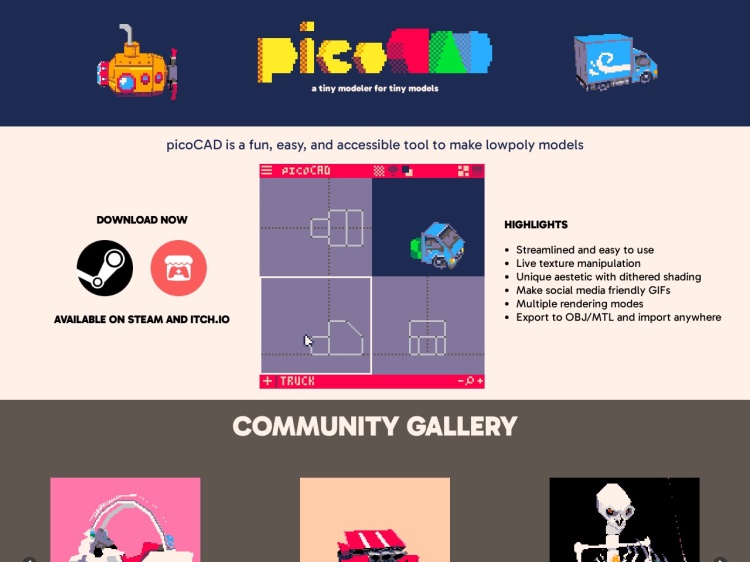
A low polygon 3D modeling tool built with Pico-8. More info →
Don't miss out—subscribe to Ninja Sparks today!