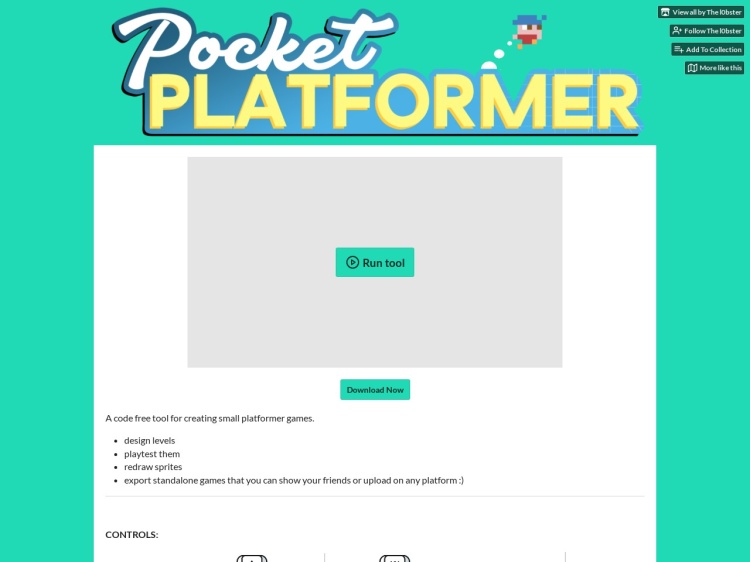
Pocket Platformer
A simple browser-based platformer game creator with drag-and-drop interface. More info →

This interactive Google Doodle celebrates Gerald “Jerry” Lawson, a key figure in early video game technology. It includes a built-in game maker that lets you create and play your own simple games — either platformers or top-down adventures.
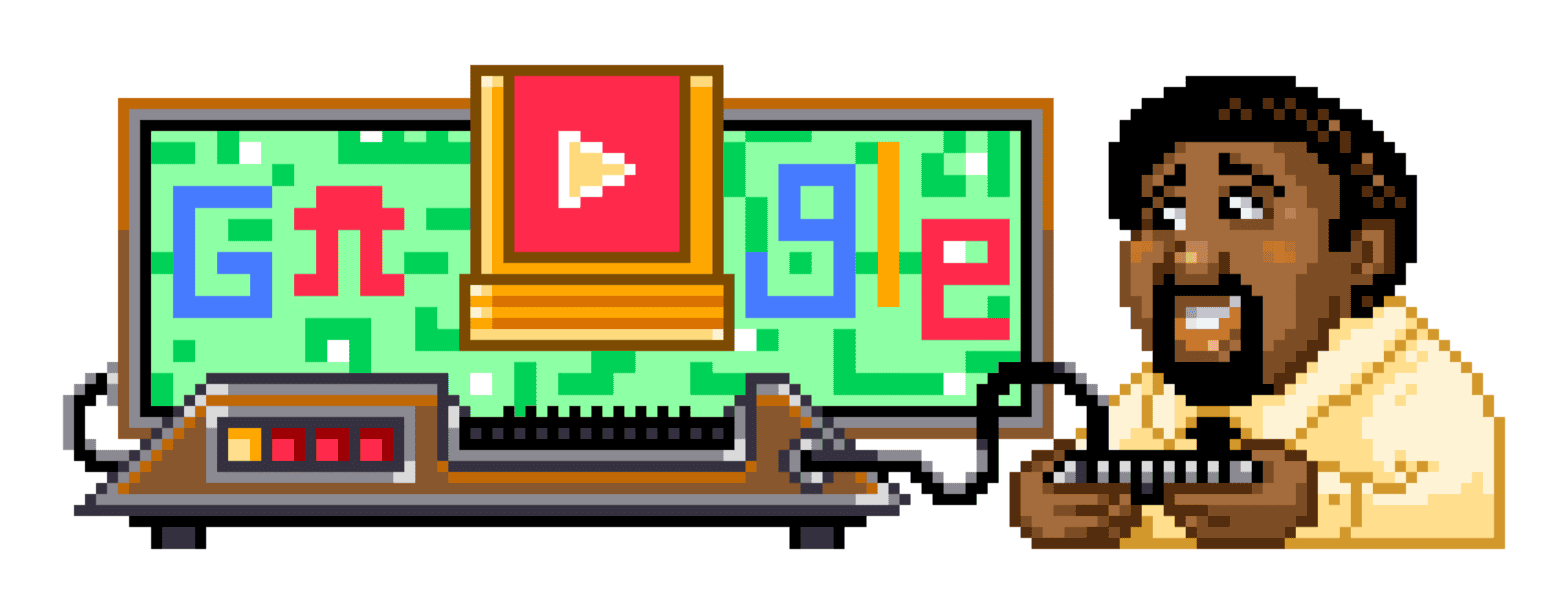
The Google Doodle Game Maker logo.
The tool starts with a short interactive tutorial that introduces the basics of building a game. After that, you can design your own levels using a visual editor. Add characters, enemies, platforms, doors, keys, and more. It’s very easy to use, with a drag-and-drop interface that works well for beginners.
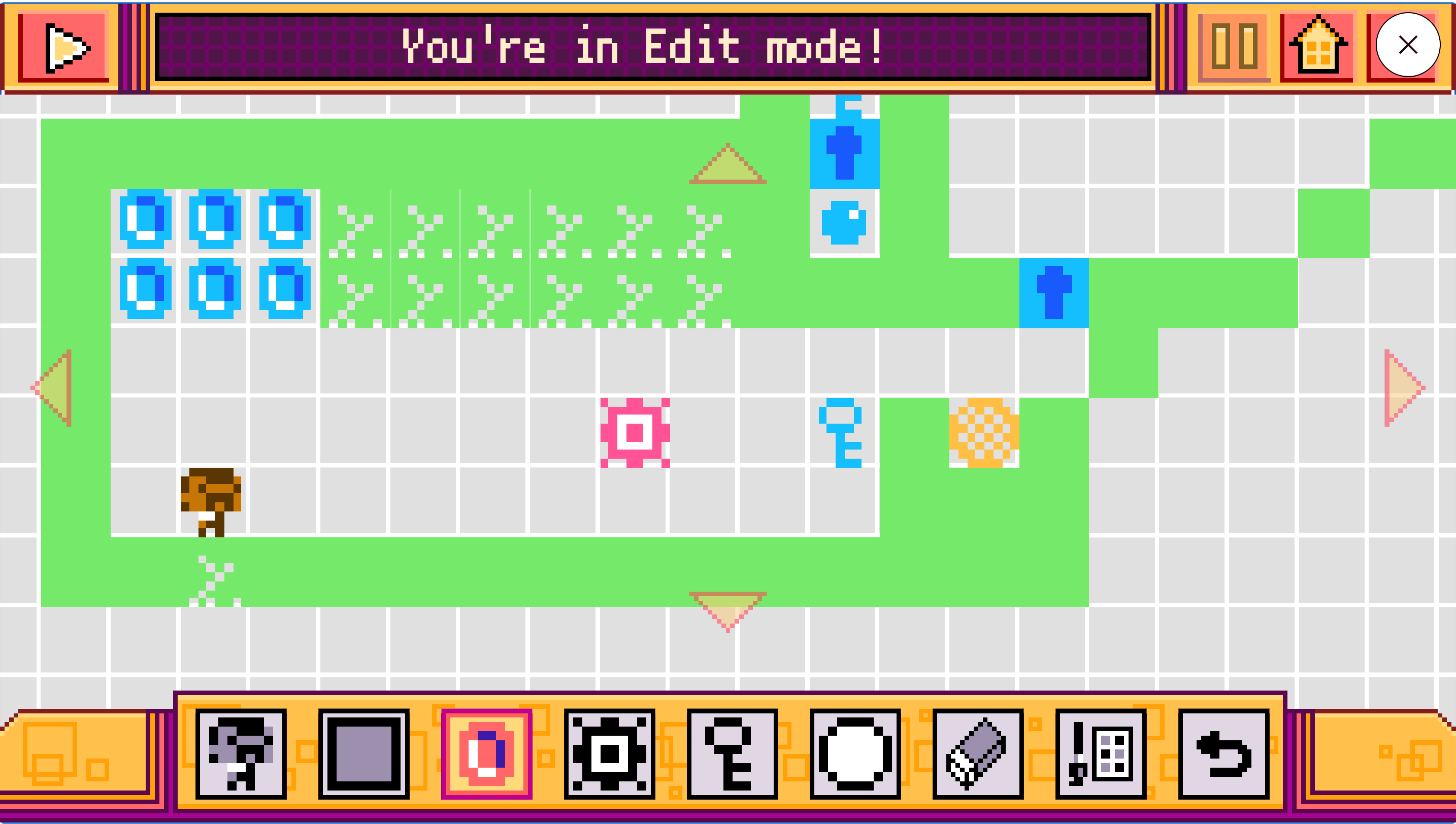
The Game Editor in action.
Games are saved to your Google account, making them easy to come back to or share with others. It’s similar to apps like Pocket Platformer, but with Google integration and a polished interface. Best experienced in Chrome.
Note that to play the doodle you visit the website, and then click on the doodle at the top of the page and it will open up. I found it didn’t work in Firefox (which may be down to extensions I have installed) but it works fine in Chrome.
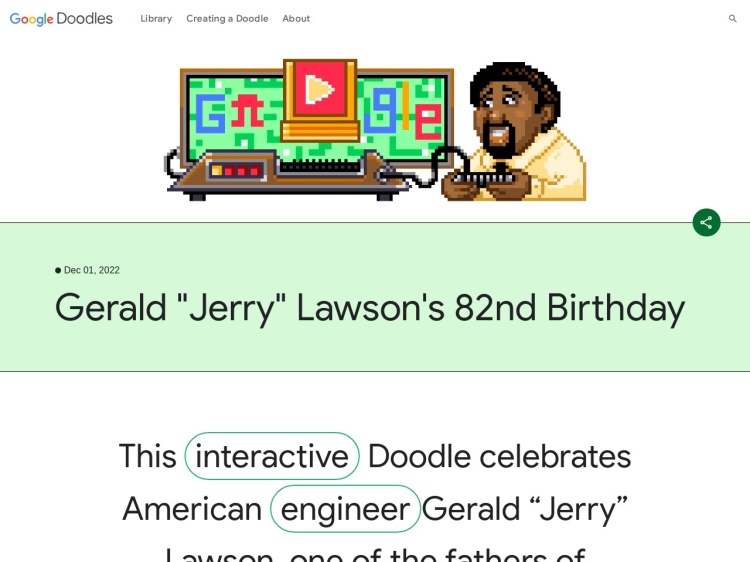
A Google Doodle that lets you create and share simple video games.
A simple browser-based platformer game creator with drag-and-drop interface. More info →

A free, open-source game maker for creating real Game Boy games with optional coding. More info →
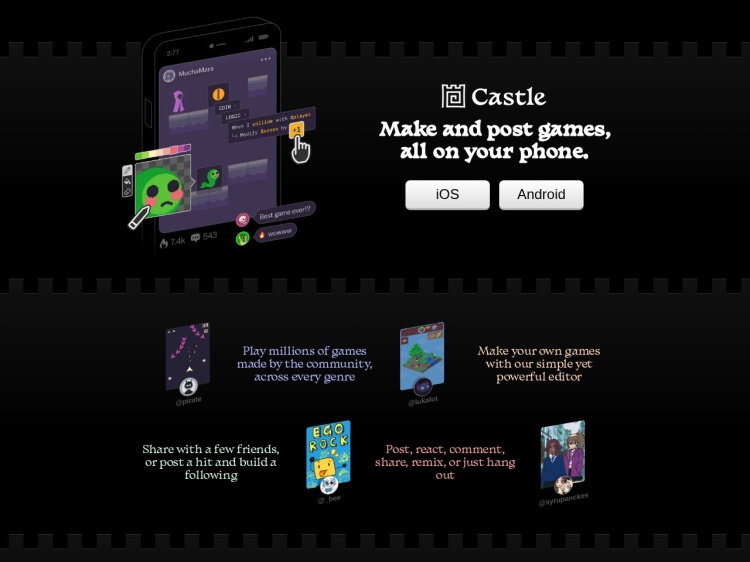
Castle is a mobile app for iOS and Android that lets you create and share small interactive “toys”. More info →
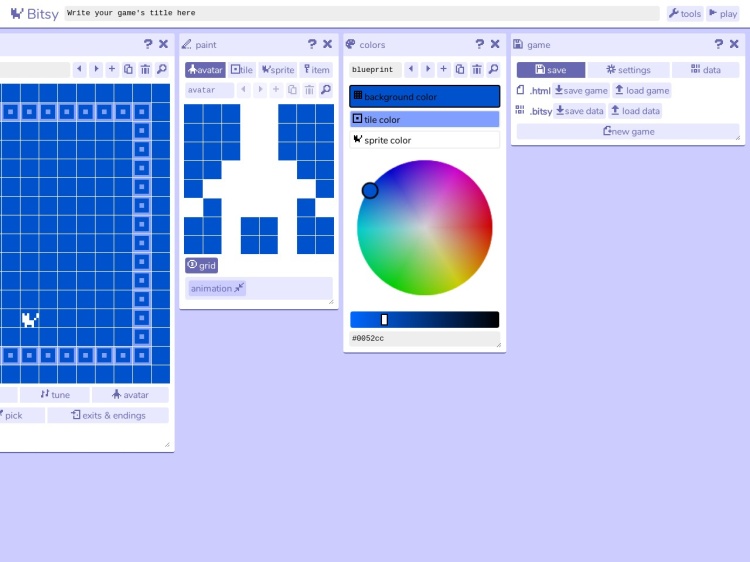
A miniature game maker for people who can't code. More info →

A fun and educational platform for kids to learn coding through games and interactive lessons. More info →
Don't miss out—subscribe to Ninja Sparks today!