Affinity Studio
Affinity Studio is an all-in-one creative app from Serif that combines bitmap editing, vector design and desktop publishing in a single tool. More info →

Lunacy is a free design tool for Windows, Mac, and Linux that works well for everyday creative work. It offers many of the same features as tools like Sketch, including vector editing, reusable components, and support for Sketch files. Because it runs on all major platforms, it is especially useful for mixed teams, classrooms, and creators who switch devices.
You can use Lunacy to design websites, app interfaces, posters, teaching materials, and game artwork. Everything is vector-based, so designs stay sharp at any size. It also includes a large built-in library of icons, illustrations, and photos from Icons8, which can save time when you need ready-made assets.
Unlike many browser-based tools, Lunacy works fully offline and does not require a subscription for core features. This makes it easy to recommend to students, educators, and indie creators. If you want a capable, cross-platform design app that is genuinely free and easy to integrate into modern workflows, Lunacy is well worth trying.
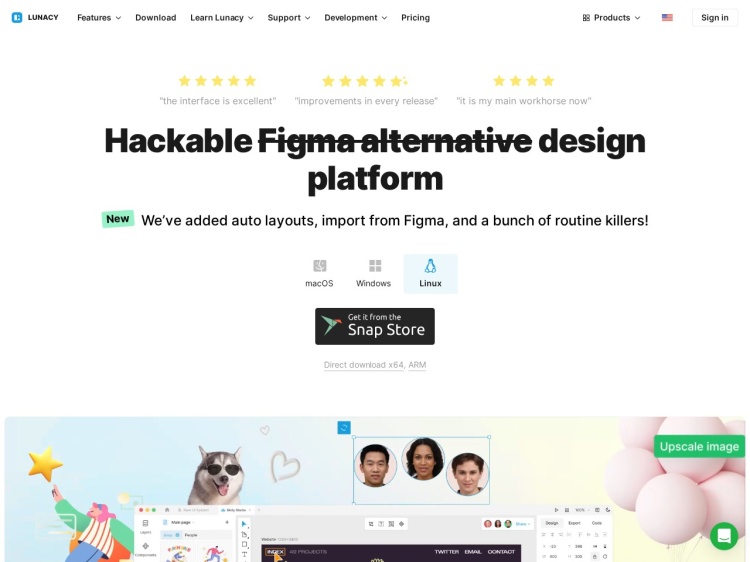
Lunacy is a free, cross-platform design tool for Windows, Mac, and Linux. Create websites, apps, posters, and teaching materials with vector tools and built-in assets.
Affinity Studio is an all-in-one creative app from Serif that combines bitmap editing, vector design and desktop publishing in a single tool. More info →
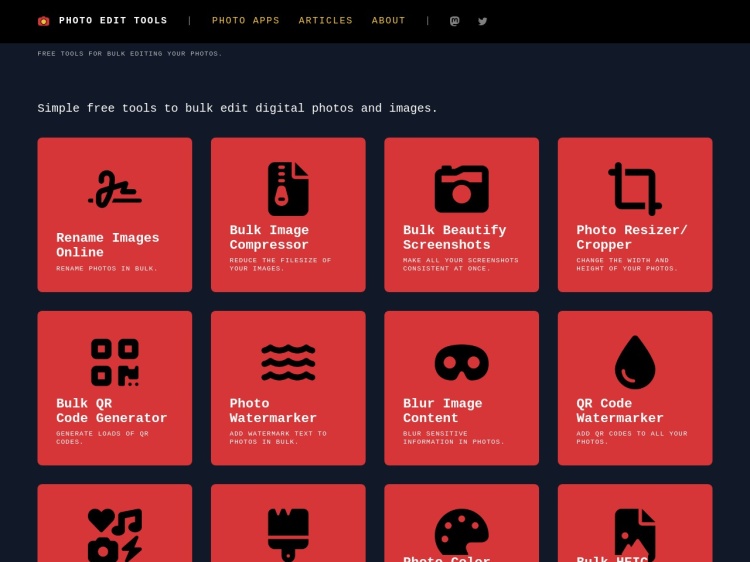
A collection of browser based tools for editing photos. All online, private, and free. More info →
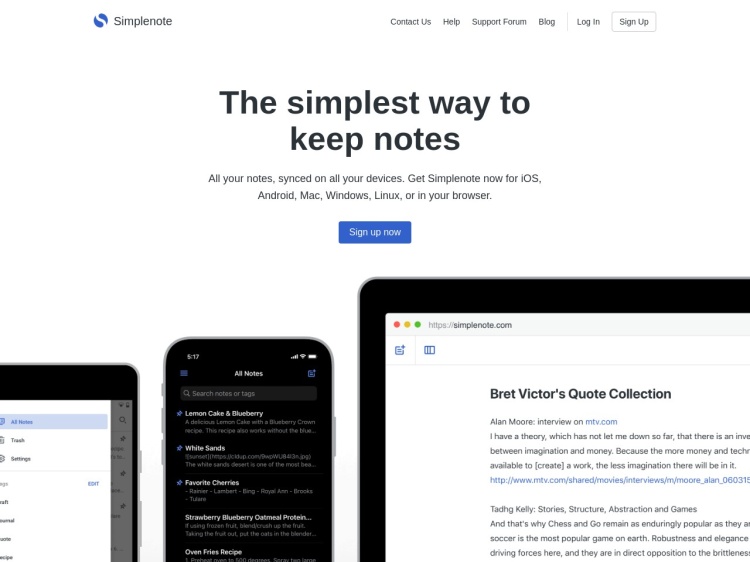
A simple note-taking app that syncs across all devices More info →
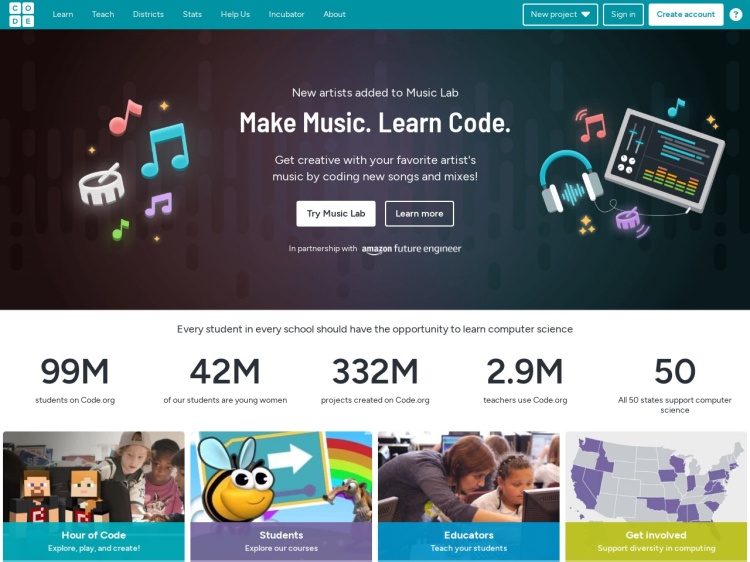
A fun and educational platform for kids to learn coding through games and interactive lessons. More info →
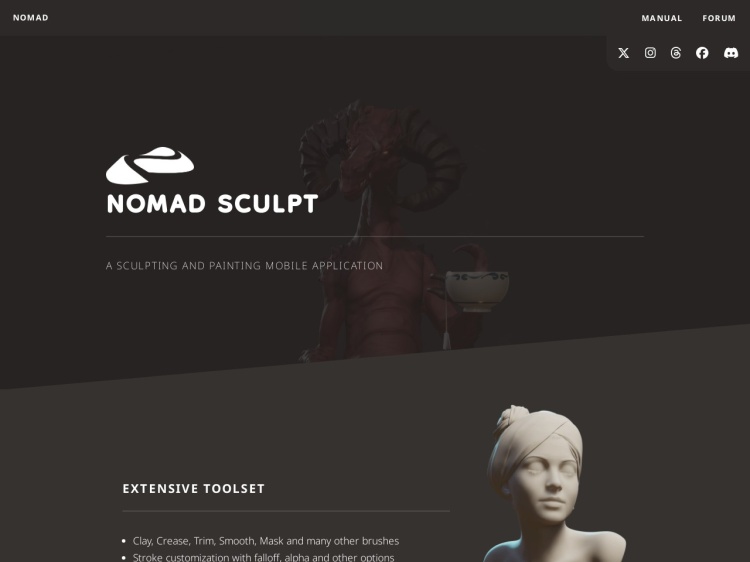
An iPad app for 3d sculpting More info →
Don't miss out—subscribe to Ninja Sparks today!