
A Free Design Tool, a Smart Game, and Moomins
Tue January 27, 2026 This issue was written and edited by Ben Gillbanks. Ben is a Web Developer with over 25 years experience of creating things online.
A couple of weeks ago I went to a reunion for my former employer Miniclip. It was a party to celebrate their 25th anniversary (and also the original CEO’s 50th birthday). It was great seeing friends and colleagues that I haven’t seen in over a decade.
I was Miniclip’s third employee and saw it grow from a small room near St Paul’s Cathedral to a multinational company with offices all over the world. It was a special evening that made me very nostalgic for the early days of the internet and online games, when everything felt a bit more experimental. Miniclip is now a mobile-focused publisher making games for iOS and Android, but back then it was all about publishing browser games.
That nostalgia stuck with me because I’ve since seen a few other companies that we worked with celebrating their 25th anniversaries too. In particular, we had close relationships with RuneScape (a browser-based MMORPG), and Raketspel (a Swedish game developer) who both turn 25 this year and are still going strong. It’s not just games either. Wikipedia also turns 25 this year. It’s amazing to think that it’s been around for that long, and it’s still such a valuable resource for information; I still use it all the time.
Lunacy
Lunacy is a free design tool for Windows, Mac, and Linux. I normally use Sketch on my Mac for vector design work but it’s recently been adding more and more online features that I don’t use. So I’ve been looking for a replacement. Lunacy offers many of the same features as Sketch and can even open and edit Sketch files!
You can use Lunacy for most everyday design work. Personally, I use it to design websites, create art for games, make T-shirts and posters, and design website banners. Almost anything that isn’t photo editing. Because everything is vector-based, your work stays sharp at any size. And because it supports reusable components, it is easy to keep designs consistent.
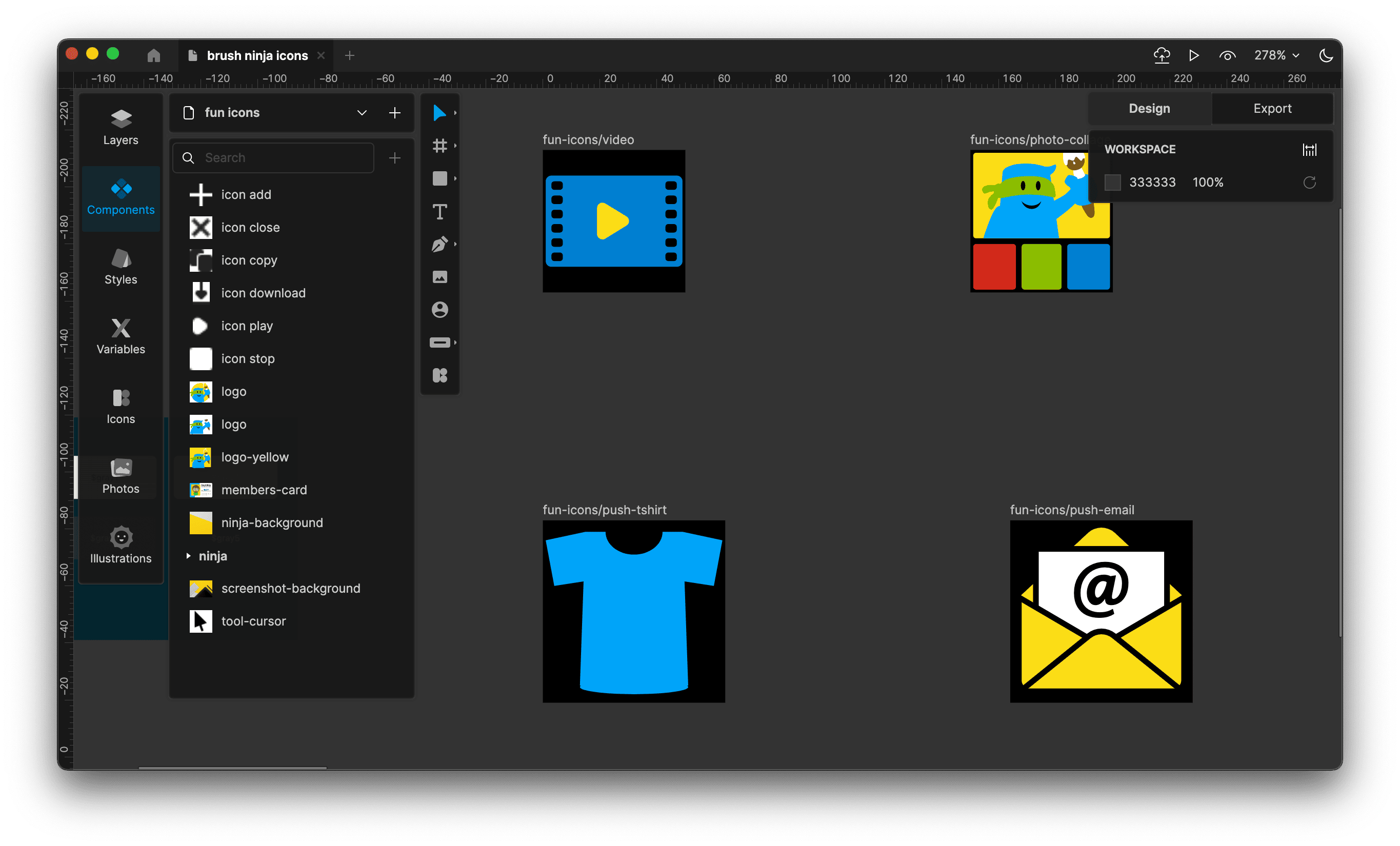
The Lunacy editor, editing some Brush Ninja icons
Lunacy also includes a huge built-in library of icons, illustrations, and photos from Icons8. This is how they monetise the app, charging for the premium assets, which feels fair to me. There are free assets as well and the library is not intrusive so you can easily ignore it if you just want the free features.
For web and app design, it handles layout and reuse well. You can create buttons, headers, and other common elements once, then update them everywhere. This is also useful for posters, teaching materials and branding projects.
Unlike many browser-based tools such as Figma, Lunacy works fully offline. This is helpful if you have limited internet access, are travelling, or are working in a school environment with restricted networks. At the same time, it still supports sharing and collaboration when you are online.
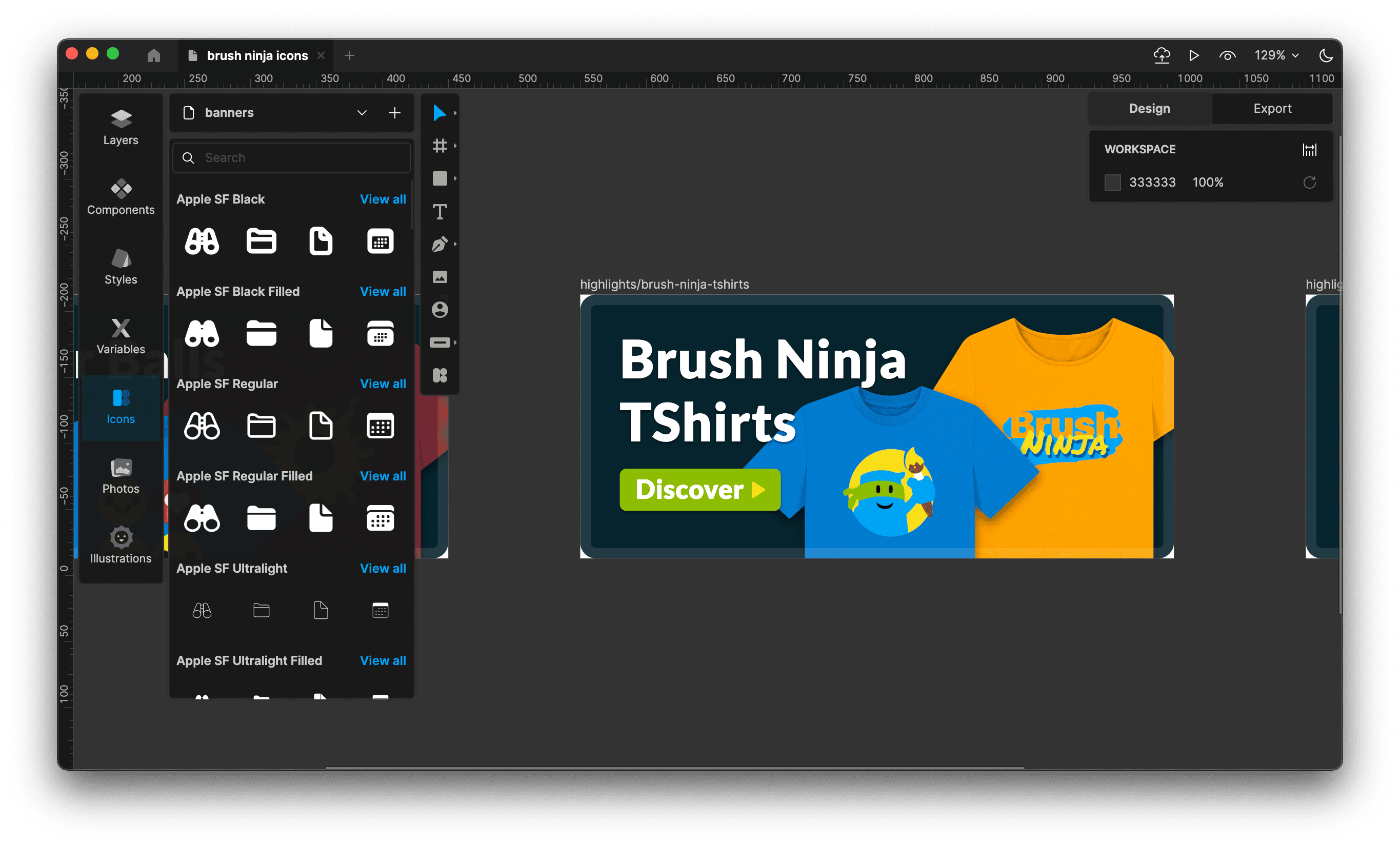
The Lunacy editor, creating a banner for Brush Ninja
Perhaps the biggest advantage is that it is genuinely free for core design work. There is no subscription barrier. Students can install it at home. Teachers can recommend it without worrying about licences. And indie creators can use it without adding another monthly cost.
Overall, Lunacy fits nicely into modern creative workflows. You can export to SVG, PNG, and PDF. You can use the results in websites, documents, and presentations. And because it runs on Windows, Mac, and Linux, everyone can use the same tool.
That sense of early creativity has also made me think more about the tools I use.
Hacktivate
Hacktivate is a game for Mac and iOS that teaches hacking concepts through gameplay. It focuses on ethical hacking and basic cybersecurity skills. Instead of reading long tutorials, you learn by doing.
In the game, you play as a hacker who takes on a series of challenges. Each challenge asks you to solve hacking-style puzzles. This might involve decrypting some text, deciphering some code, hacking a website or breaking into servers. You do this by finding weaknesses, exploiting mistakes, and thinking logically about how computers work. The game introduces ideas gradually, so it feels accessible rather than intimidating.
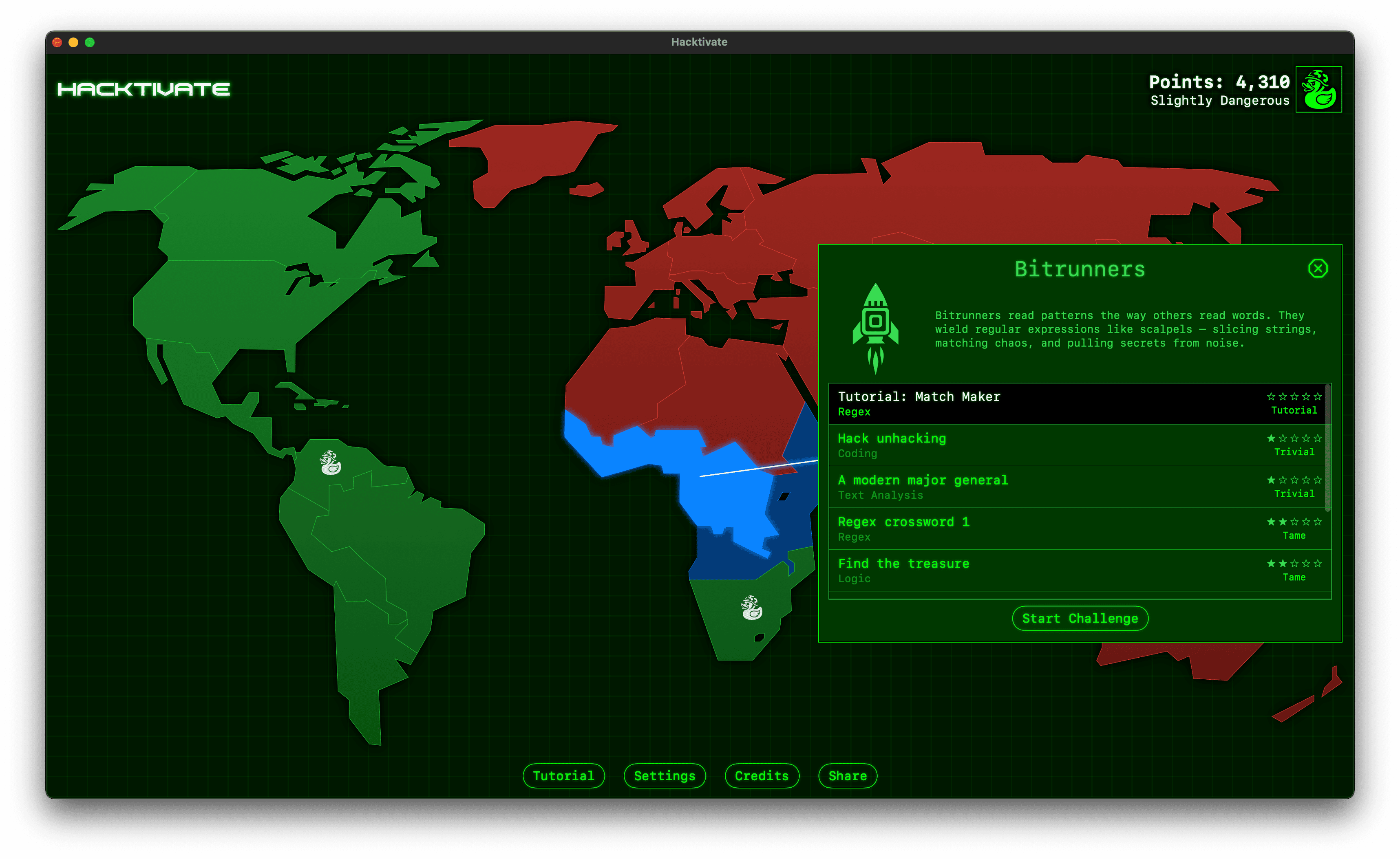
The Hacktivate game menu
As you progress, you learn about things like passwords, network scanning, social engineering, and system permissions. Each new concept builds on the last. As a result, you develop a practical understanding of both how attacks happen and how they can be prevented.
Hacktivate works especially well because it feels like a puzzle game. You experiment, fail, adjust your approach, and try again. Learning happens naturally through play.
I should add that it isn’t very hand-holdy. It does have clues and hints, but you do need to think critically and use trial and error to solve the challenges. Sometimes you will need to make notes or use pencil and paper to work things out.
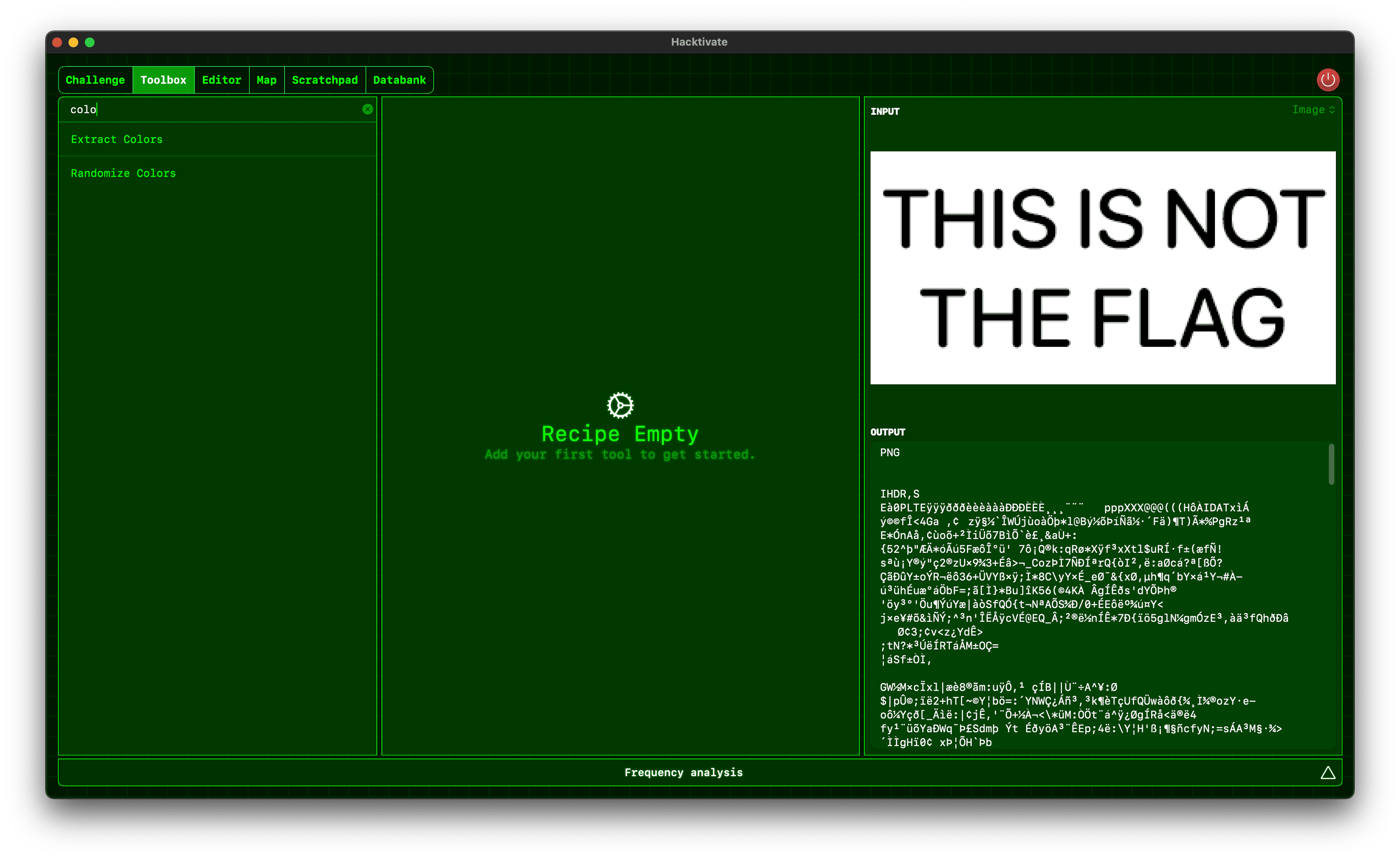
The Hacktivate gameplay
There is also an online version of Hacktivate for Schools by the same developer, designed for classroom use. This makes it easy for teachers to use the game in lessons without installing anything.
Hacktivate is a thoughtful way to introduce cybersecurity. It makes a complex subject approachable. And it helps students build useful digital awareness through play.
Comet in Moominland
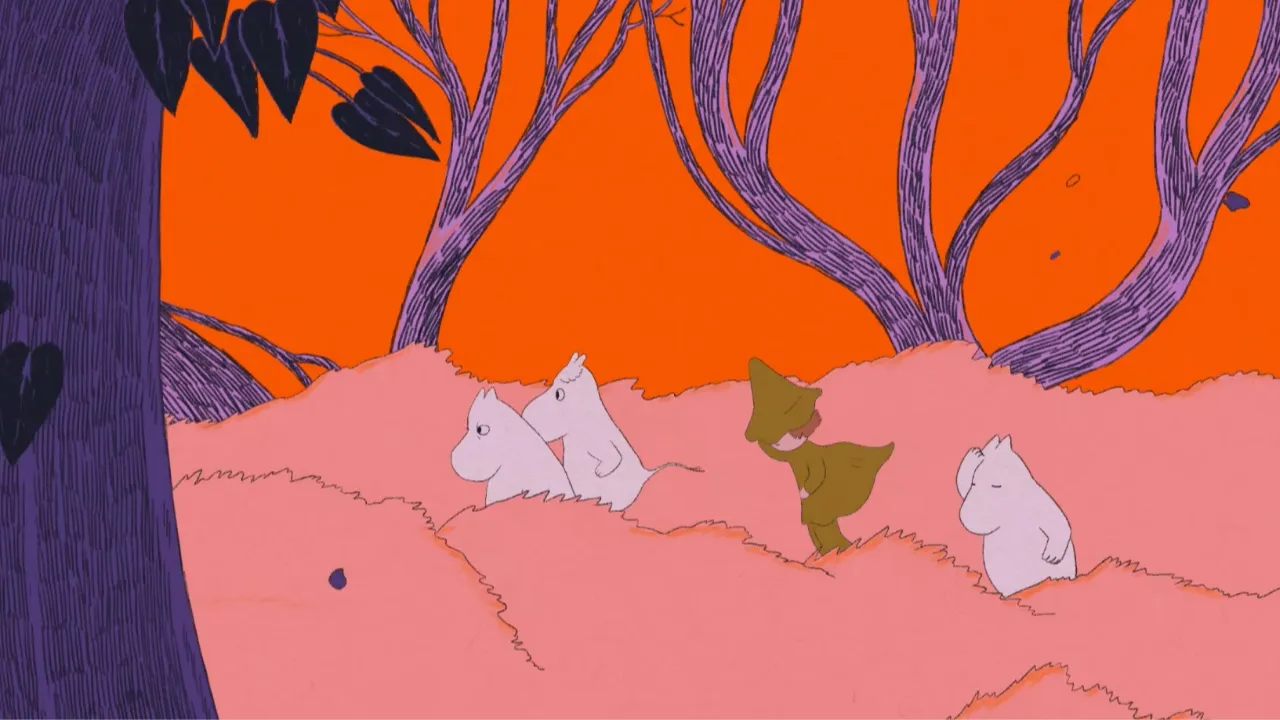
“Comet in Moominland” is an official animated short film by Karlotta Freier. It was created to celebrate the 80th anniversary of Tove Jansson’s original book, first published in 1946.
In just one minute, it captures the gentle, thoughtful spirit of the Moomins. The world feels uncertain. The ground shakes. Everything suggests danger. Yet the characters stay curious, kind, and hopeful. They help each other. They share food. They sing. They keep going. It shows that feeling scared is not a failure. It is often the first step towards being brave.
That idea feels especially relevant now. You do not need to be fearless to move forward. You just need support, patience, and a bit of optimism. It is a reminder that creativity, community, and kindness matter.
Watch Comet in Moominland on Youtube
Sparked Link
Just one link this time, but it’s a good one:
Words.zip
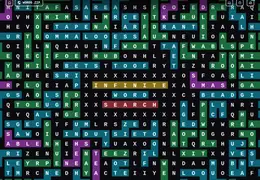
Words.zip is a massive multiplayer word-search game. There’s a huge grid of letters and you have to find as many words as you can. When you zoom out you can see the found words highlighted, and people are using this to write words, and draw pictures. It’s beautiful chaos.
Current Entertainment
I’ve been watching The Studio on Apple TV+ this last week. It’s a short series that goes behind the scenes of a fictional movie studio, and it’s glorious. The filming, writing, and acting are all fantastic.
I particularly enjoy the constant use of “oners” - long single take shots that weave through the sets and characters. There’s even an episode called “The Oner” that is a single take of a story about a filmcrew trying to film a oner. It’s a real love letter to filmmaking and the creativity and chaos that goes into it. Plus it’s funny and has stacks of amazing cameos from real-life movie directors and actors.
I am also currently reading “Everyone on This Train Is a Suspect” by Benjamin Stevenson. I picked it up at random in a second-hand bookshop this weekend and am really enjoying it. The story is set on the Ghan train travelling across Australia from Adelaide to Darwin. On board are several mystery writers, some police, and, inevitably, a murder (although I have not reached that part yet).
It is written in a diary-style format and told from the point of view of Ernest Cunningham, a semi-successful author who is under pressure to write his second book. The novel is framed as his attempt to explain how that book came to be. So far, it is clever, funny, and very readable. I’m enjoying it a lot.