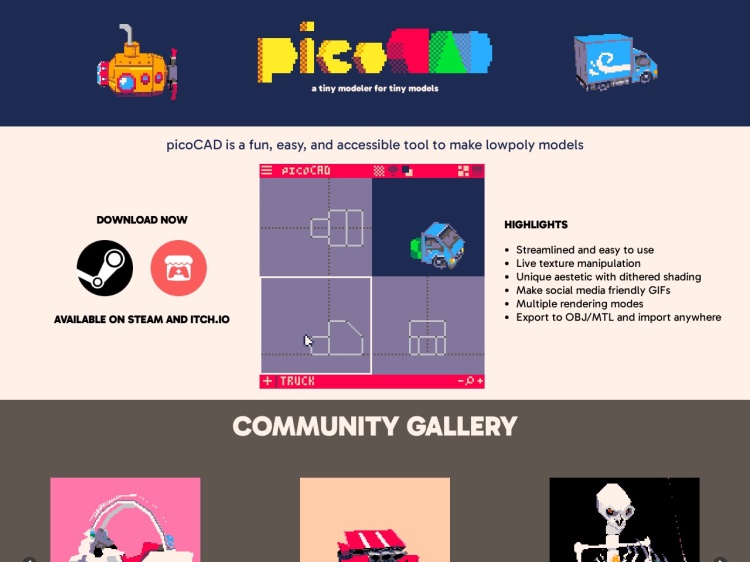
PicoCAD
A low polygon 3D modeling tool built with Pico-8. More info →

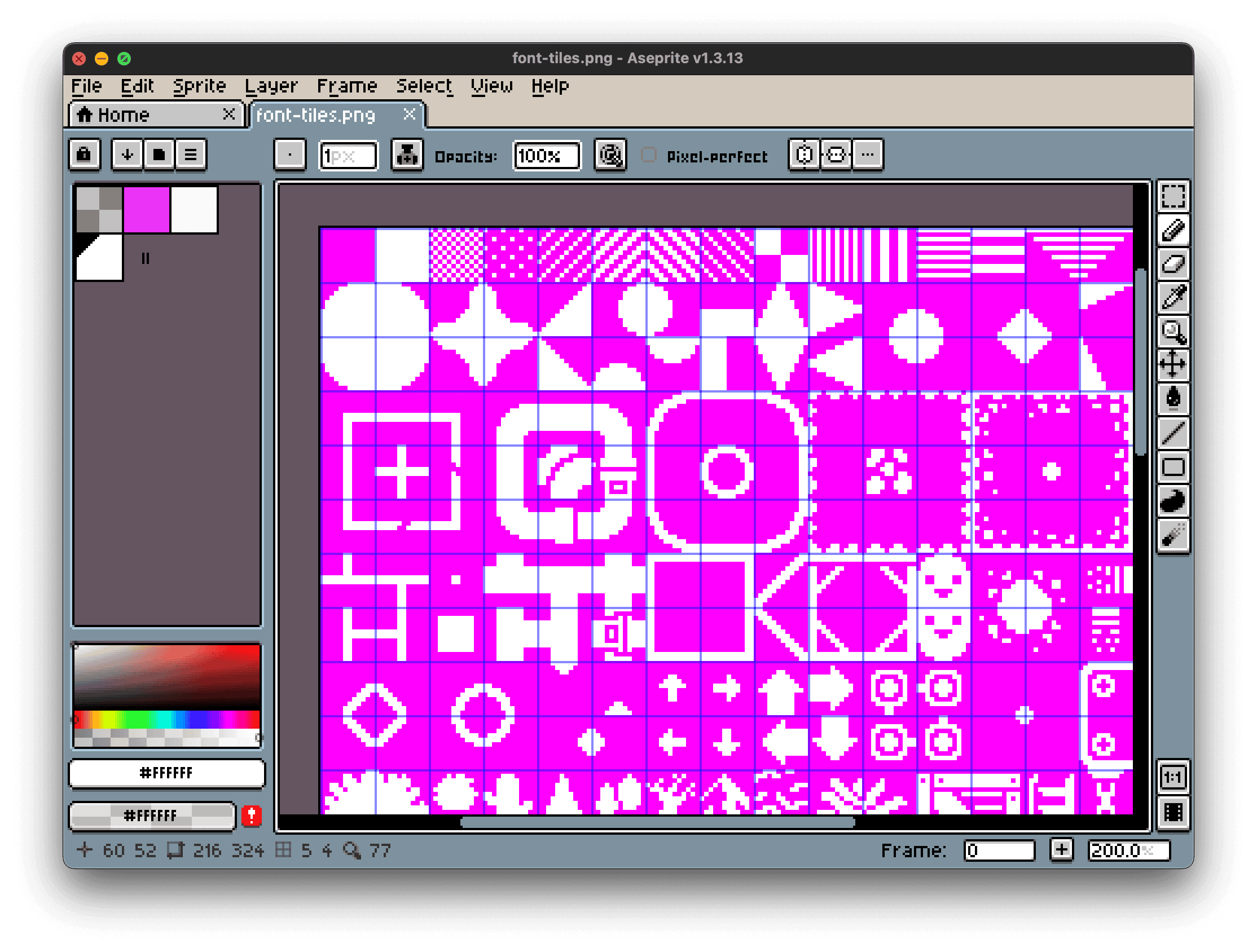
A screenshot of me using Aseprite to edit video game tiles for Beep8
Aseprite is a fantastic pixel art tool designed to make your creative journey both enjoyable and productive. Known for its intuitive workflow, it’s perfect for creating animations, characters, tiles, and user interface elements, giving artists everything they need without unnecessary complexity.
Its charming retro interface, reminiscent of classic game development kits, isn’t just stylish; it’s deliberately nostalgic, turning the pixel art creation process into a playful experience. Using Aseprite feels like playing a game dedicated to crafting pixel-perfect visuals, making your art sessions fun and inspiring.
Packed with essential features, Aseprite supports robust layering, intuitive animation timelines, and convenient frame tagging. Easily preview animations, manage looping frames, and export sprite sheets effortlessly. The advanced yet accessible palette editor allows artists to experiment freely with colours, streamlining the creative process.
Originally launched as an open-source side project, Aseprite evolved into a widely admired commercial tool known for its affordability and consistent updates. Rather than overwhelming users with unnecessary complexity, the developers regularly introduce thoughtful improvements, maintaining the software’s elegant simplicity.
For those inclined towards open source, the option to compile Aseprite from source remains available. However, its affordable price for pre-built versions, available on Steam, Itch.io, Gumroad, and other platforms, makes it an easy recommendation.
Whether you’re building games, creating standalone pixel art, or animating sprites, Aseprite is an essential tool. Its delightful mix of simplicity, power, and retro charm makes it a must-have for anyone passionate about pixel art.
The best pixel art app going
A low polygon 3D modeling tool built with Pico-8. More info →
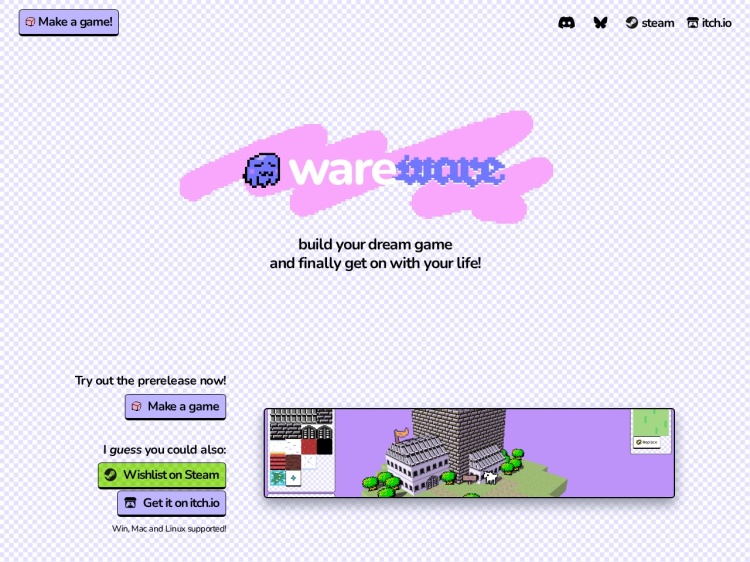
Wareware is a playful browser-based tool for making cute 3D worlds with blocks, sprites, and simple interactions. More info →
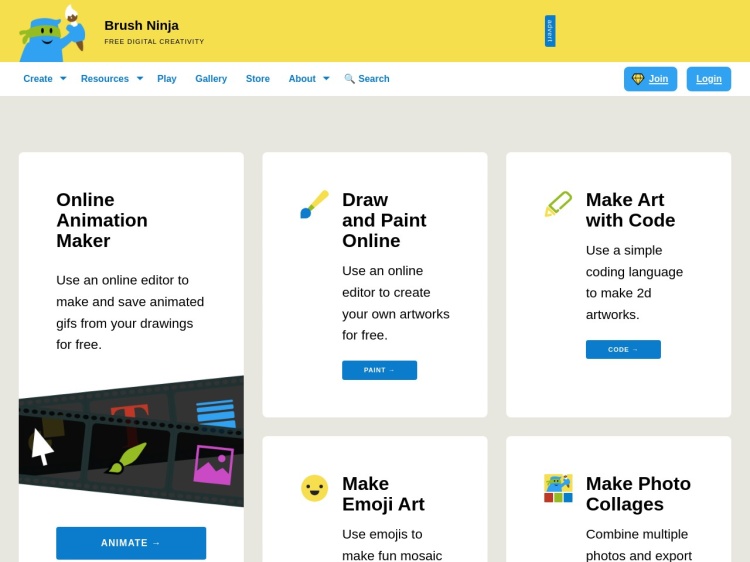
Brush Ninja is a simple animation tool that allows you to create animations in your browser. It is free to use with no account required. More info →
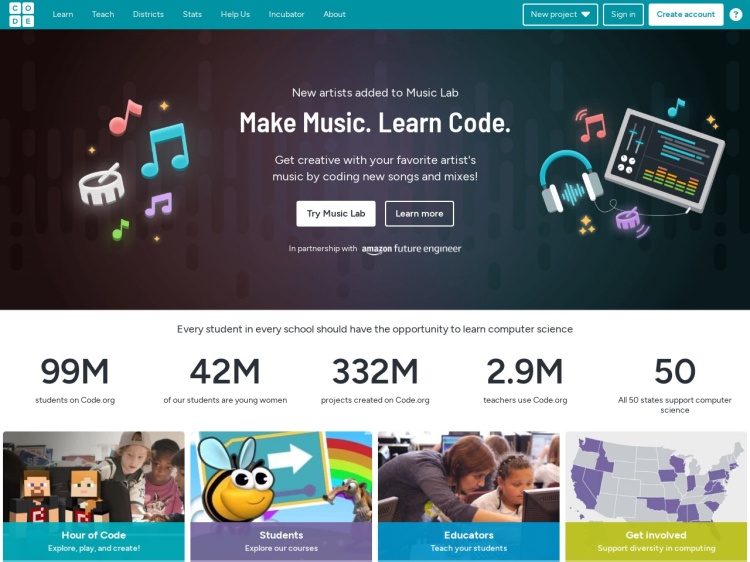
A fun and educational platform for kids to learn coding through games and interactive lessons. More info →

A free, open-source game maker for creating real Game Boy games with optional coding. More info →
Don't miss out—subscribe to Ninja Sparks today!